Mobile app: which technology should you choose in 2026?
You have decided to build a mobile app. It is often a major growth lever. But very quickly, one question appears: which technology should you use?
Capacitor. React Native. Flutter. Native. Four names that come up in every proposal, every discussion with a developer, every technical article. And yet most decision-makers have no concrete idea what these terms mean, or what they imply for budget, timeline and final product quality.
This article is here for that. No unnecessary jargon, no framework wars between developers. Just the real trade-offs, explained clearly.
A choice that is both technical and strategic
Before talking about frameworks, ask the right questions. The technology choice will determine four critical variables for your company:
- Your time-to-market: how long before you are live on the stores?
- Your total budget: at launch, but also every year for maintenance.
- Perceived quality: smoothness, animations, respect for iOS and Android conventions. This often determines whether a user keeps the app or deletes it after 30 seconds.
- Your ability to adapt: will you be able to integrate new AI features, future sensors and tomorrow’s system APIs?
The answers to these questions guide the choice far better than any performance benchmark. But make no mistake: it is also a technical choice. The selected technology has direct consequences on what you will, and will not, be able to do with your application.
The four approaches, explained simply
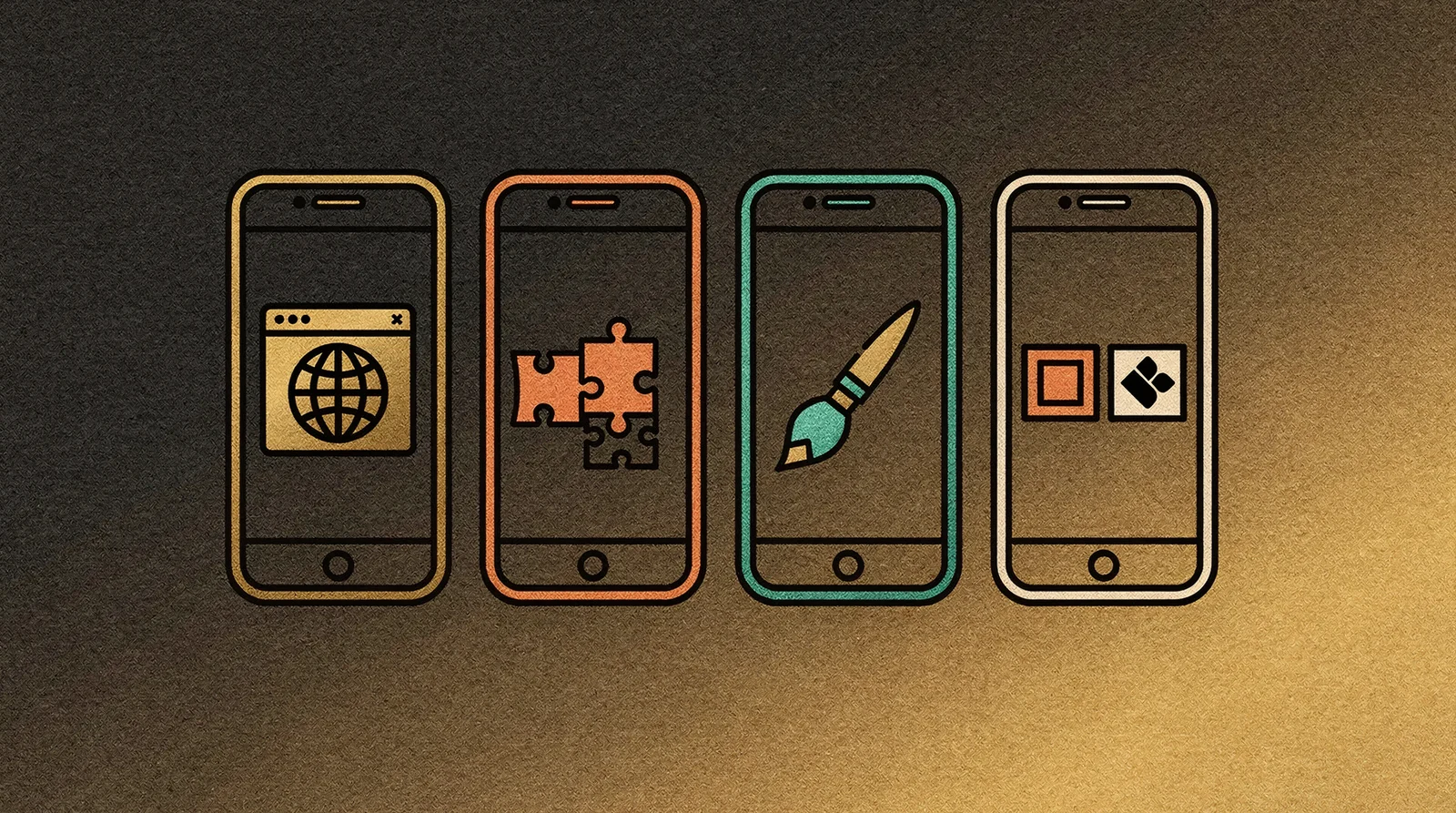
Capacitor (Ionic): the web inside a native shell
Capacitor uses web technologies (HTML, CSS, JavaScript) to build the mobile interface, displayed inside an embedded browser within the app. That does not mean putting a website inside an app. You build a dedicated mobile interface, with its own components and UX conventions, using Ionic or other mobile UI frameworks. When you need access to a phone feature, such as the camera, notifications or GPS, a plugin system bridges the web layer and the device hardware.
Advantages:
- Very fast development: web developers (JavaScript, React, Vue, Angular) are productive immediately.
- One codebase for iOS, Android and the web.
- Access to a full ecosystem of mobile UI components (Ionic, Konsta UI) that respect iOS and Android conventions.
- Ideal for content apps, internal tools and dashboards.
Limits:
- The interface remains “mobile web”: it can lack the smoothness and animations that iPhone or Android users expect from a native app.
- Complex interactions, such as drag-and-drop, fluid animations and transitions, are harder to polish.
- If you need advanced hardware features, you will need to write native plugins, which requires additional skills.
In one sentence: the most accessible option for a web team, with a real mobile rendering, but limited when you aim for a premium experience.
React Native: the popular compromise
React Native works differently: your code is written in JavaScript, the language of the web, but the interface displayed on screen uses the phone’s real native components. A React Native button is a real iOS or Android button, not a web imitation.
In 2026, React Native has completed a major overhaul of its internal architecture. Communication between your code and the phone has become much faster and smoother. The micro-stutters that could be seen a few years ago have largely disappeared.
Advantages:
- One codebase for iOS and Android, with a truly native rendering.
- The largest pool of available developers, especially in France.
- The Meta ecosystem, Facebook, Instagram and WhatsApp, uses it in production, which supports its long-term viability.
- Ability to integrate React Native screens into an existing native app.
Limits:
- The toolchain is complex and evolves quickly: you need a developer who follows the ecosystem.
- Third-party libraries must be compatible with the new architecture. The transition period is still ongoing.
- For very complex animations or games, it is not the best tool.
In one sentence: the most pragmatic choice for most consumer applications.
Flutter: the autonomous rendering engine
Flutter takes a radically different approach. Instead of using the phone’s native components or a web browser, it draws every pixel itself through its own graphics engine, Impeller. Flutter brings its own paintbrush instead of borrowing the system’s.
The result: a Flutter app looks exactly the same on an iPhone 16 and on an entry-level Android smartphone. Visual consistency is total.
In 2026, Impeller is the only rendering engine on iOS and the default engine on Android. Flutter compiles directly to machine code. It is not interpreted; it is compiled like a native application.
Advantages:
- The smoothest graphical rendering among cross-platform solutions: 90 to 120 frames per second.
- Identical interface across platforms: one design to maintain.
- Excellent developer experience, with instant reload while keeping app state.
- Compiled to machine code, with performance close to native.
Limits:
- The language, Dart, is less common than JavaScript. Hiring can be harder.
- The interface does not automatically “feel” like iOS or Android. You need to implement that explicitly.
- The package ecosystem is smaller than React Native’s, although it is growing quickly.
In one sentence: the best choice when visual identity and smoothness are business priorities.
Native (Swift/Kotlin): premium custom work
Native development means creating two separate applications: one in Swift for iOS and one in Kotlin for Android. Each uses the tools and interfaces provided directly by Apple and Google.
Both platforms have offered declarative frameworks for several years, SwiftUI since 2019 and Jetpack Compose since 2021, and these tools have now reached maturity. In 2026, they have become the de facto standard, making native development far more productive than older approaches.
Advantages:
- Immediate access to all new OS features, from the day they are released.
- Optimal performance: the fastest startup time and the lowest battery consumption.
- Deep ecosystem integration: Apple Watch, widgets, local AI, Siri, Google Assistant.
- The best option for apps that rely on on-device AI.
Limits:
- Two codebases to maintain: double effort, double budget.
- Senior Swift and Kotlin developers are rare and expensive.
- The time-to-market is the longest of the four approaches.
In one sentence: the gold standard when quality and long-term durability matter more than budget.
Local AI: the criterion nobody saw coming

In 2026, a new criterion has entered the equation: on-device artificial intelligence. Apple Intelligence and Gemini Nano on Android mean smartphones now run AI models directly on their neural processors, without going through the cloud.
In practice, this enables:
- Automatic document summaries, offline.
- Real-time image recognition, without server latency.
- Smart input assistance, personalized and private.
- Instant conversation translation.
This is where the chosen technology matters. Native applications can access these features with latency below 100 ms. Cross-platform frameworks, React Native and Flutter, offer bridges to these models, but with an extra abstraction layer that can affect performance and energy consumption.
If local AI is central to your product, for example in healthcare, real-time analysis or a voice assistant, native remains the only choice that guarantees optimal efficiency today. For secondary use cases, such as a chatbot or suggestions, all technologies can do the job.
The comparison table
| Criterion | Capacitor | React Native | Flutter | Native |
|---|---|---|---|---|
| Time-to-market | 🟢 3-4 weeks | 🟡 5-6 weeks | 🟡 6-8 weeks | 🔴 8-12 weeks |
| UI rendering | Web (browser) | Native components | Own engine | 100% native |
| Smoothness | 🟡 60 FPS | 🟢 60-90 FPS | 🟢 90-120 FPS | 🟢 120 FPS |
| New API access | 🔴 3-6 months | 🟡 1-3 months | 🟡 Fast | 🟢 Day one |
| On-device AI | 🔴 Limited | 🟡 Via modules | 🟢 Very good | 🟢 Optimal |
| Hiring (France) | 🟢 Very easy | 🟢 Largest pool | 🟡 Moderate | 🔴 Difficult |
| Development cost | 🟢 € | 🟡 €€ | 🟡 €€ | 🔴 €€€€ |
| Annual maintenance | 🟢 € | 🟡 €€ | 🟡 €€ | 🔴 €€€ |
How should you choose? The decision tree

Rather than comparing technical specs, ask yourself these questions in order:
1. Does your team master web technologies (JavaScript, React, Vue)? → Yes → Capacitor: build on existing skills without sacrificing mobile UX. → No, or not only → move to question 2.
2. Is the app’s visual identity a differentiating factor? → Yes, design and animations are essential to our brand → Flutter. → No, functionality matters more → move to question 3.
3. Do you need advanced phone features (local AI, sensors, Bluetooth LE)? → Yes, they are core to the product → Native. → No, standard features are enough → move to question 4.
4. Are budget and time-to-market your priorities? → Yes → React Native: the best cost/quality/speed compromise. → No, I want the best possible result → Flutter or Native, depending on your need.
Which profile are you?
You are launching an MVP or an internal tool
Move fast, validate the idea, iterate. Ionic/Capacitor lets you launch in a few weeks by using web skills. The mobile interface is built with dedicated components, not by copying a website. If the app succeeds, migrating to React Native or Flutter remains possible.
You are building a consumer app
You need a responsive interface, sustainable maintenance and a pool of developers to evolve the product. React Native is the most pragmatic choice. It is the most recruited technology in France.
Your app IS your product
The interface is a lever of differentiation. Your brand depends on smoothness, animations and custom design. Flutter gives you total control over every pixel, with an identical rendering on every device.
You are building an advanced technology product
On-device AI, augmented reality, deep integration with sensors or wearables. Native is the only path that will not impose any technical compromise.
The trend to watch: Kotlin Multiplatform
A fifth player is emerging: Kotlin Multiplatform (KMP). The principle is to share all business logic in Kotlin while keeping 100% native interfaces, SwiftUI on iOS and Compose on Android.
Companies such as Netflix and Cash App already use it in production. It is an attractive hybrid approach for ambitious projects that want the best of both worlds: the productivity of shared code and the interface quality of pure native.
It is still an early-adopter technology, but it may redefine the compromise in the coming years.
What matters is the strategy
The classic trap is focusing on technology instead of product strategy. The right choice is not the one that will be perfect forever, but the one that lets you ship now while keeping the ability to evolve your product.
That is exactly the AppExpress approach: we do not sell a framework. We build a delivery strategy adapted to your context, budget and ambitions.
Unsure which technology fits your project? Book a call to discuss it. We help you make the right choice, with no commitment.